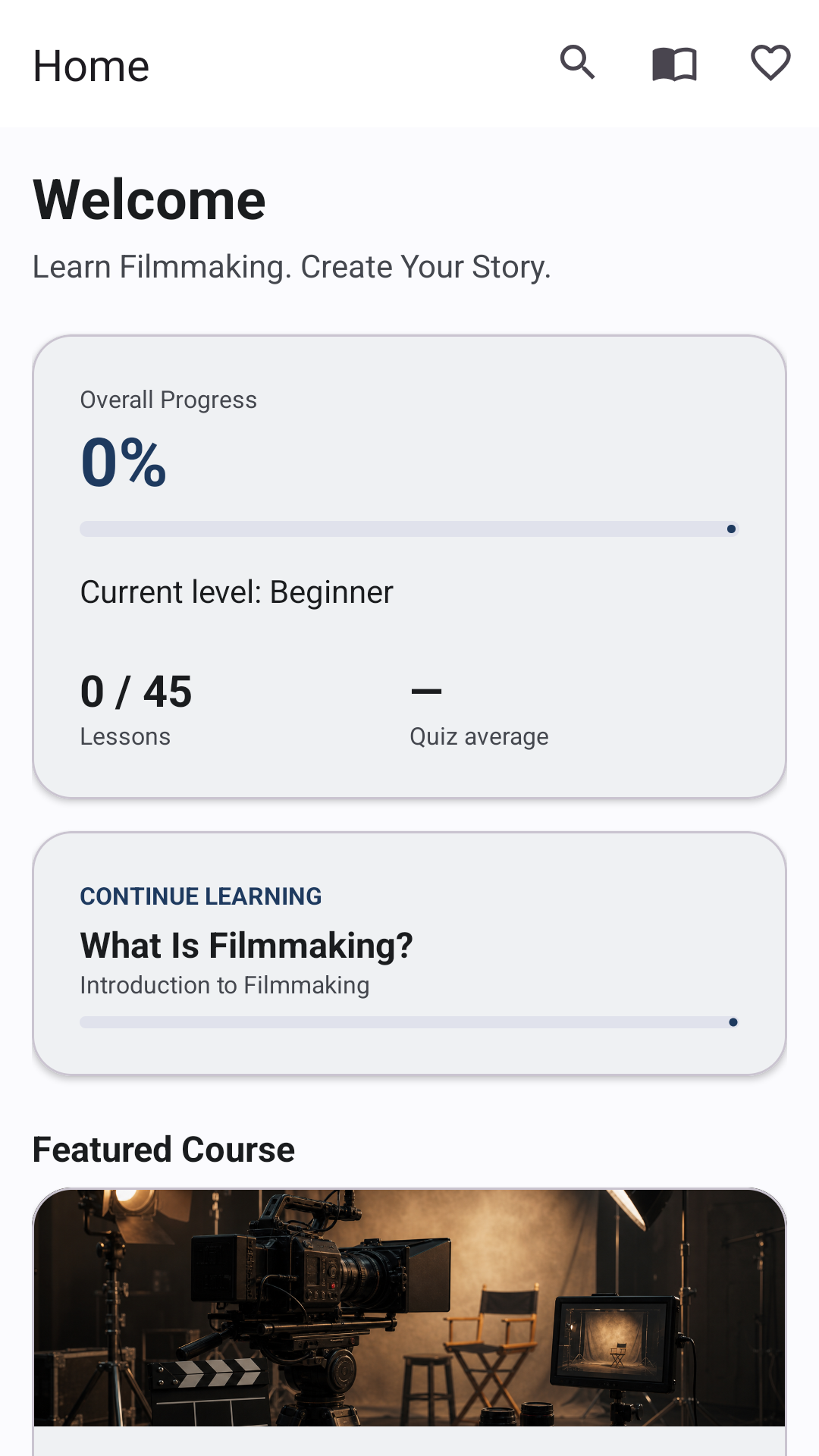
Home Page Dashboard
The home screen gives learners a calm starting point with overall progress, continue learning, a daily filmmaking tip, quick links, and a suggested practical challenge.
Private offline filmmaking education
CineStart Academy is an Android app for beginners, film students, creators, and workshop learners. It explains the app experience: structured lessons, quizzes, challenges, glossary, search, and private progress tracking.
What the app contains
This website summarizes the main app areas only. The full lessons, quizzes, glossary entries, and progress tools remain inside the Android app.
The home screen gives learners a calm starting point with overall progress, continue learning, a daily filmmaking tip, quick links, and a suggested practical challenge.
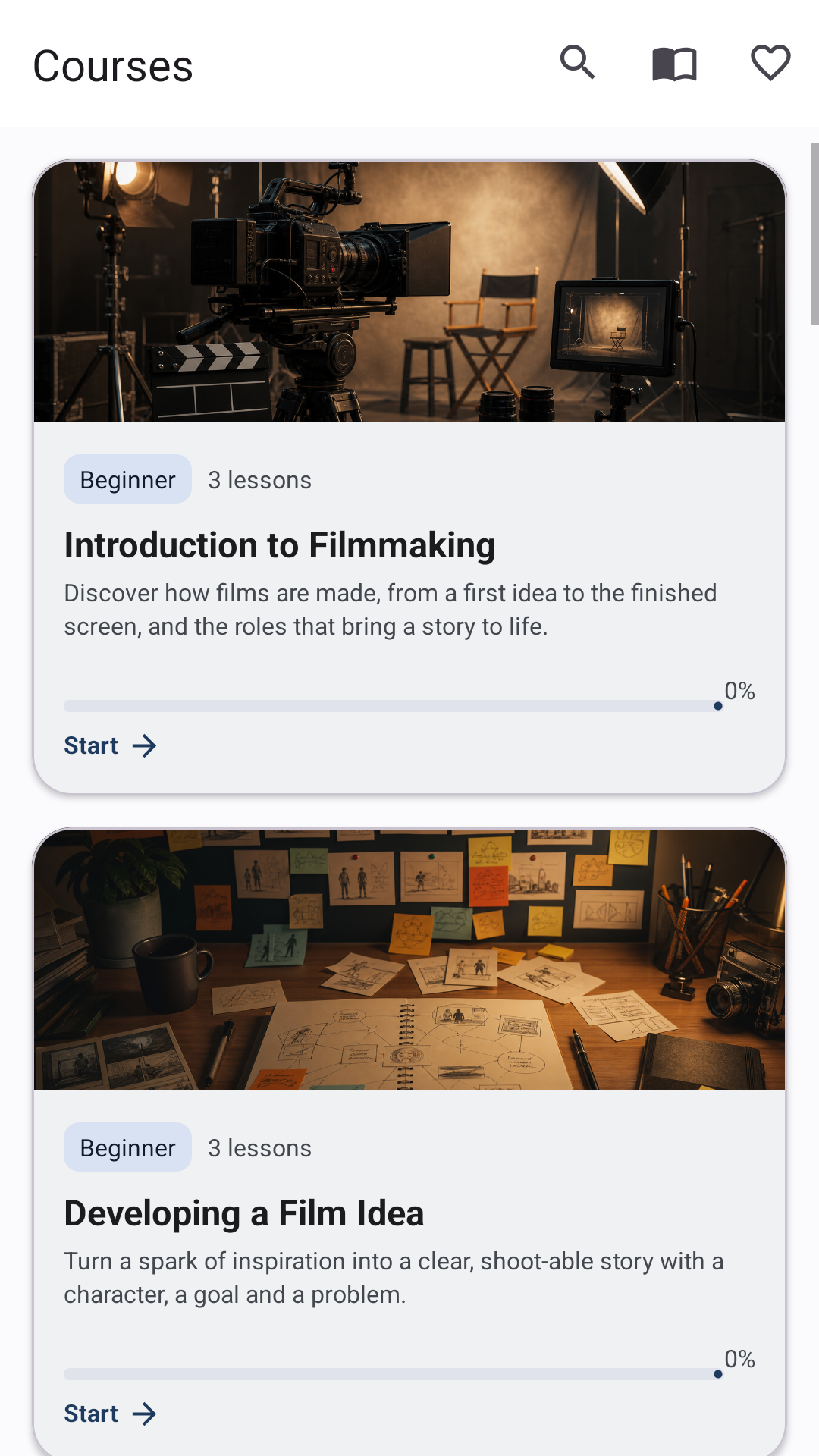
The courses area groups the beginner filmmaking workflow into clear categories, showing descriptions, difficulty, lesson counts, and completion progress.
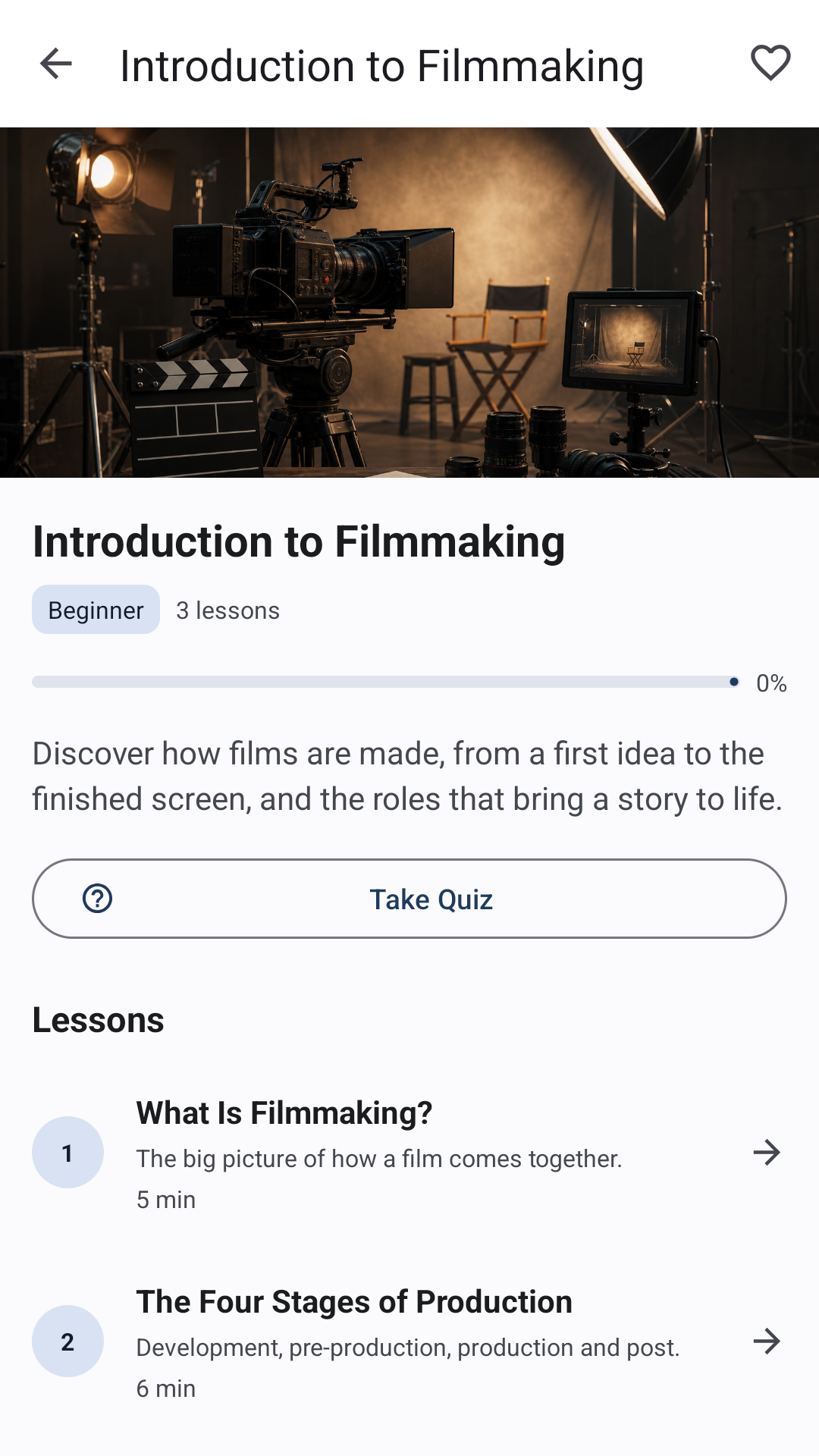
Each course page introduces the topic, displays progress, orders the lessons, and gives learners a direct path to start or continue.
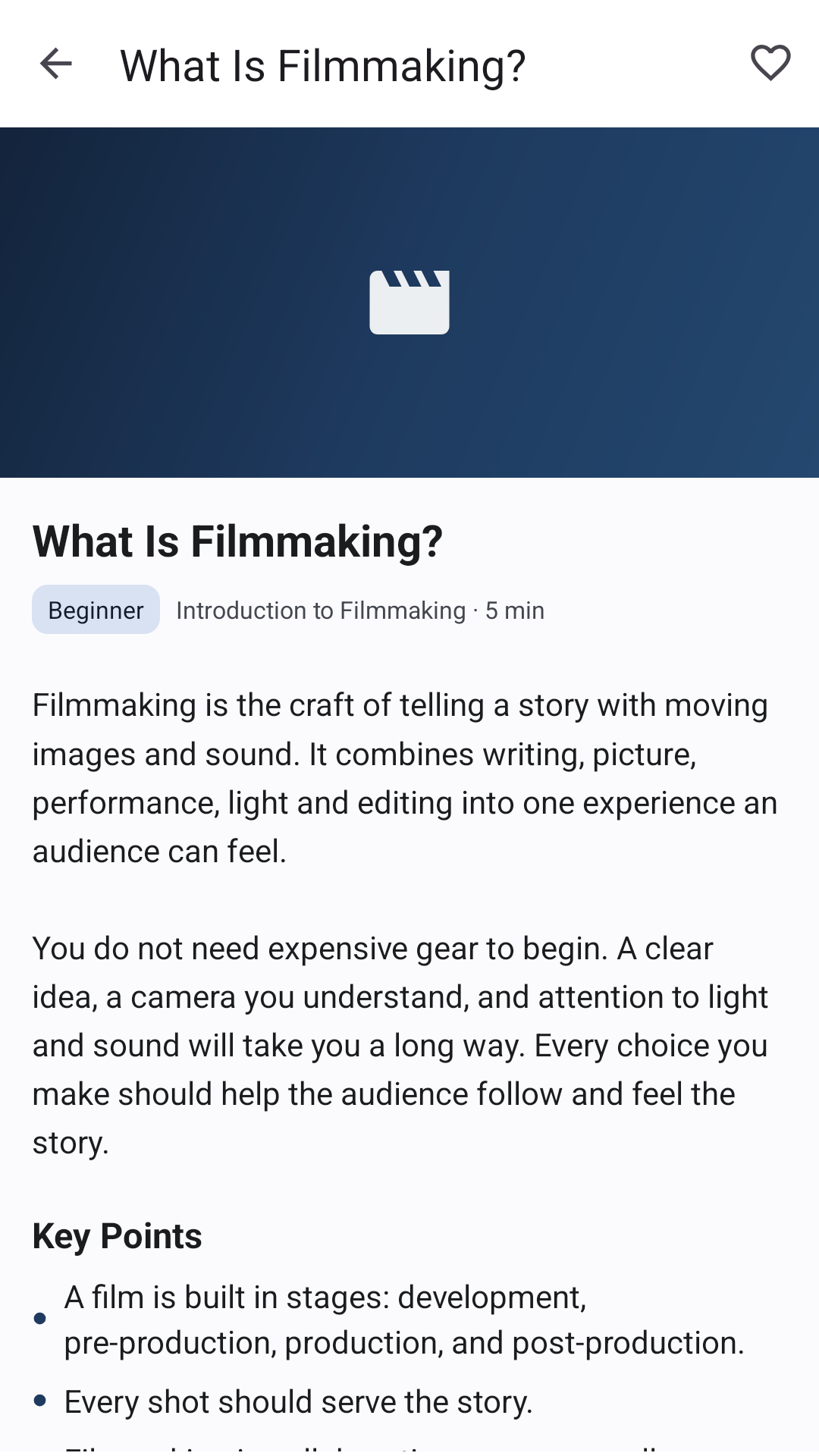
Lessons explain filmmaking ideas with structured reading, key points, practical examples, tips, common mistakes, favorites, and completion controls.
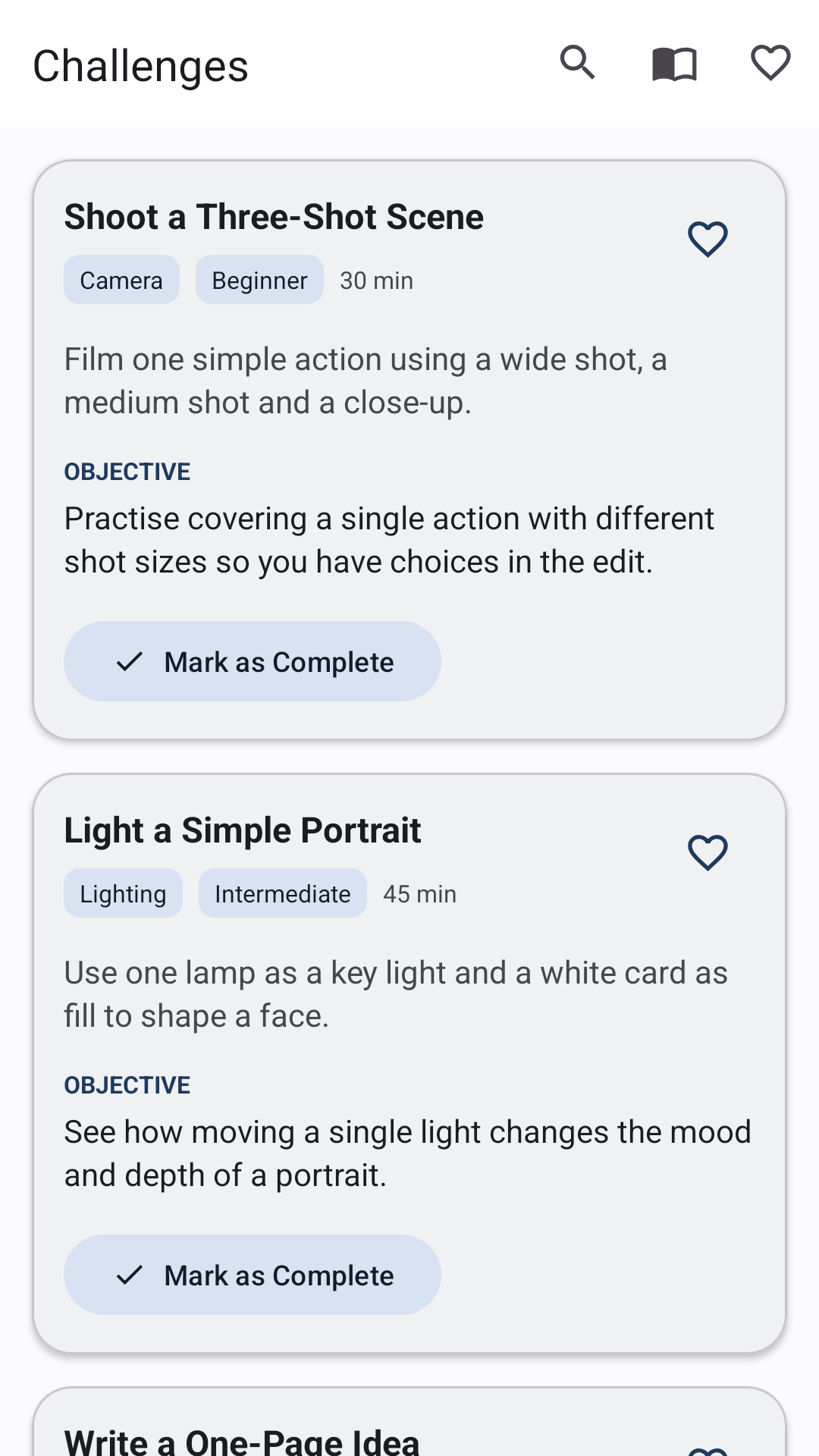
Practical challenges ask learners to apply skills manually without camera, microphone, file, or media permissions. Completion is tracked locally.
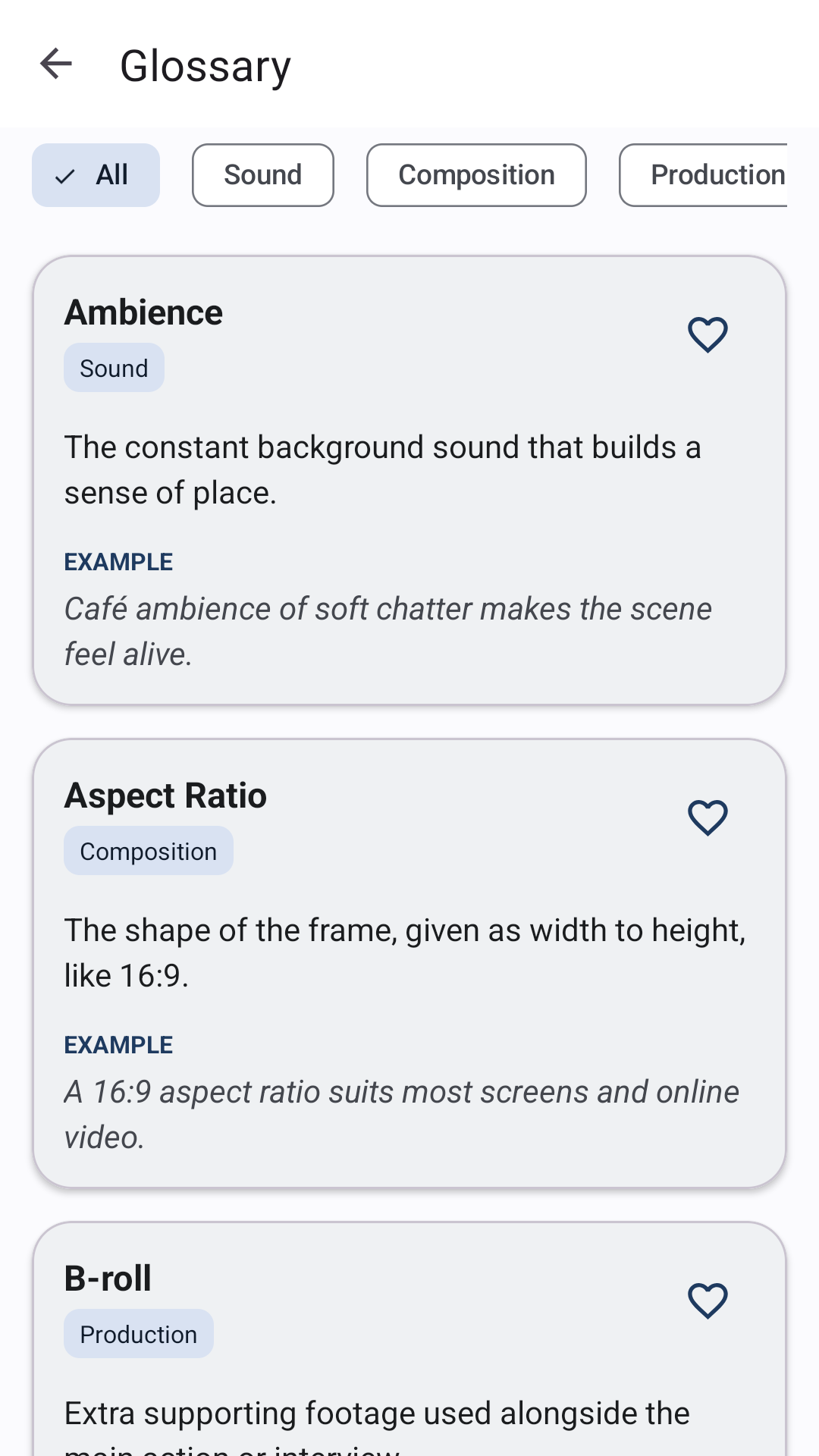
The cinema glossary defines beginner-friendly filmmaking terms with examples and categories, helping learners understand vocabulary while studying.
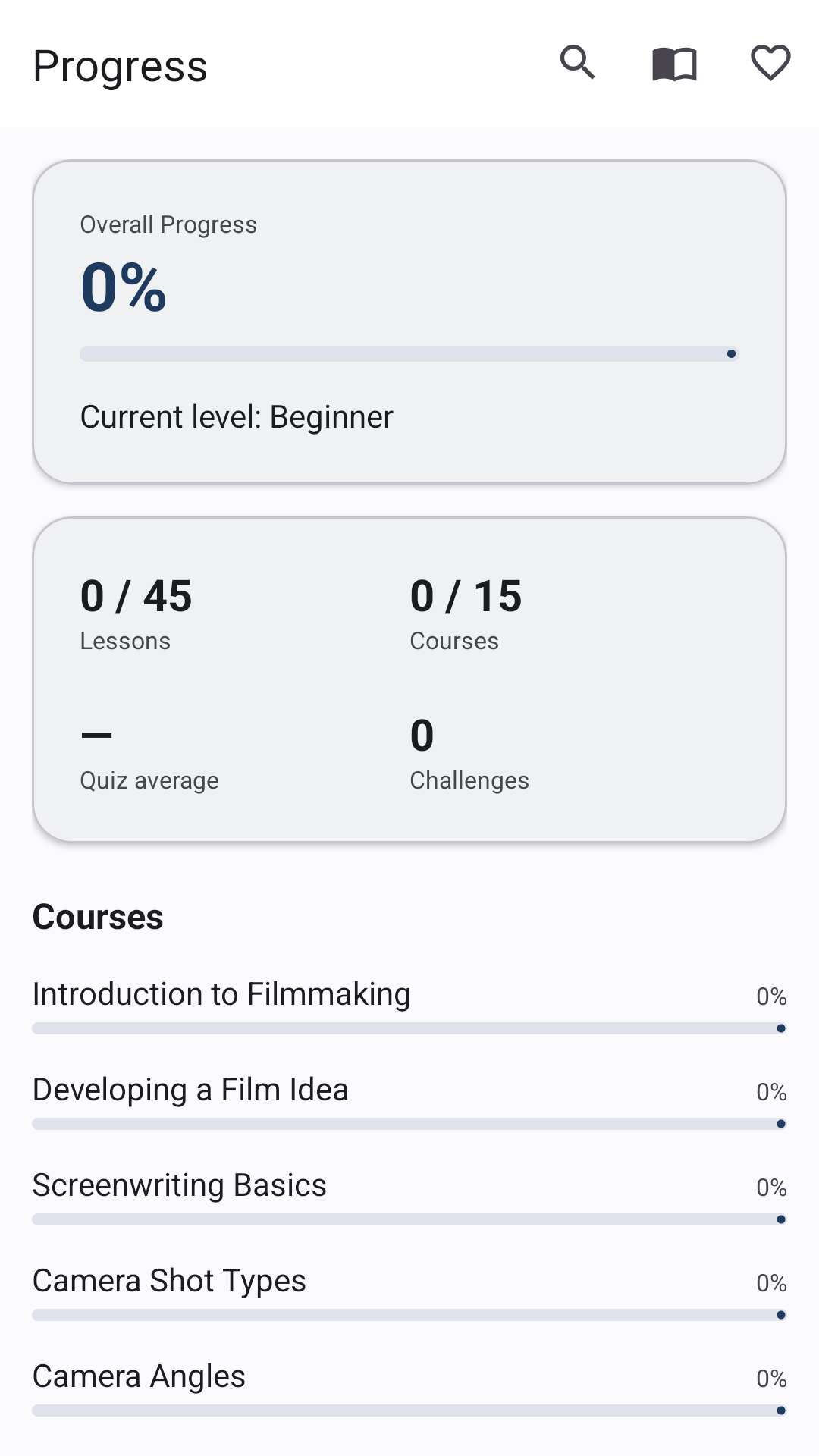
The progress screen summarizes completed lessons, courses, quizzes, challenges, recent activity, and the learner's internal beginner-to-advanced level.
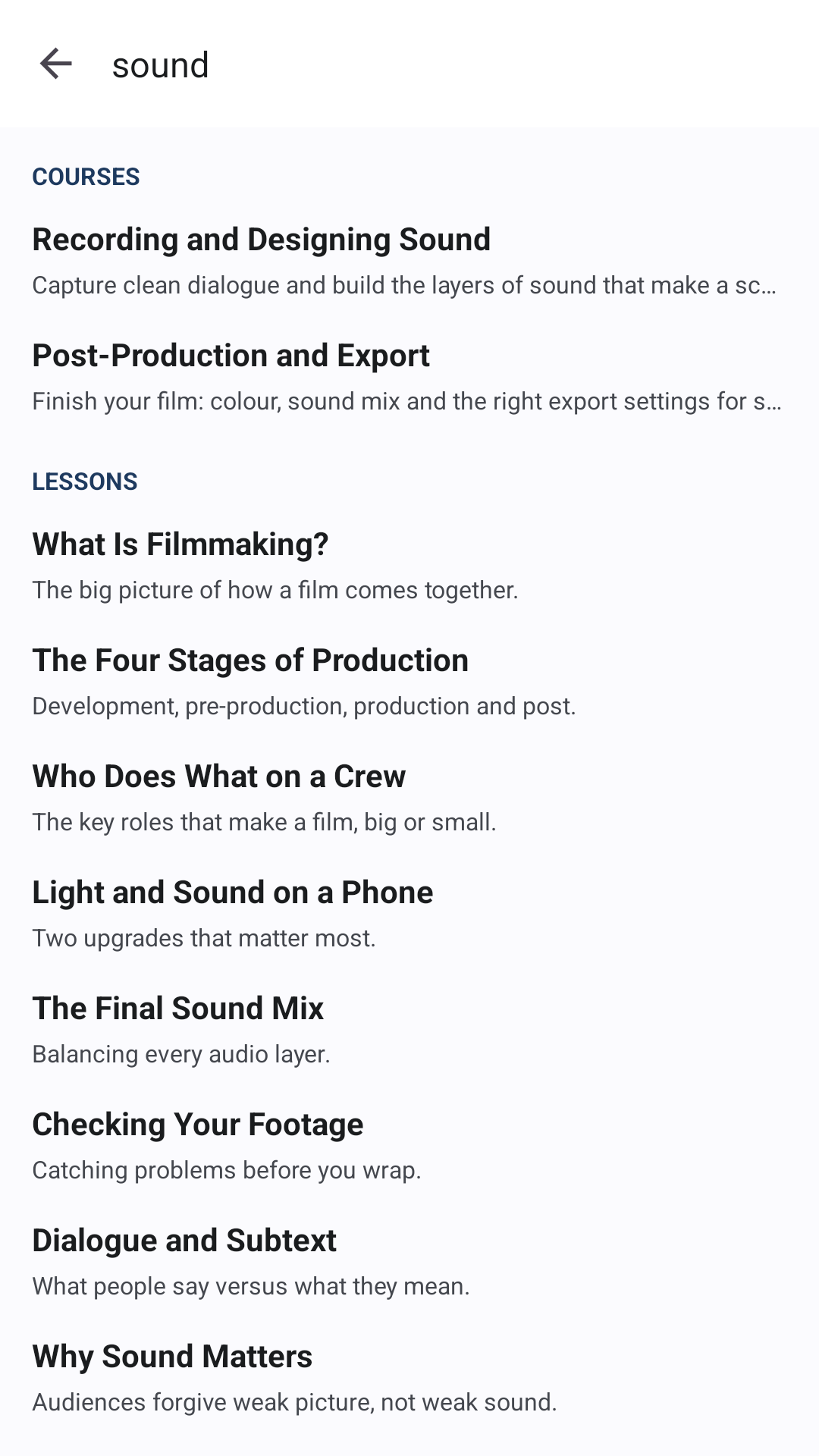
Search works locally across courses, lessons, glossary terms, definitions, and challenges so learners can find content without internet access.
Privacy model
The app does not require sign-up, does not include ads or analytics, does not request runtime permissions, and does not request internet permission. Progress, quiz results, and preferences stay in private app storage on the device.
Languages and theme
Use the controls in the header to switch English, Arabic, French, or Spanish and to move between light and cinematic dark mode.
Get the app
Install the Android app to access the complete offline filmmaking course library, lessons, quizzes, challenges, glossary, and private progress tracking.